
Marketplace : Buy and Sell
Snookums Bear
Downloads
1,000,000+
Source
Google Play
Advertisement
Click to download now, finish the installation quickly, and directly unlock the all-round experience
Advertisement
Screenshots
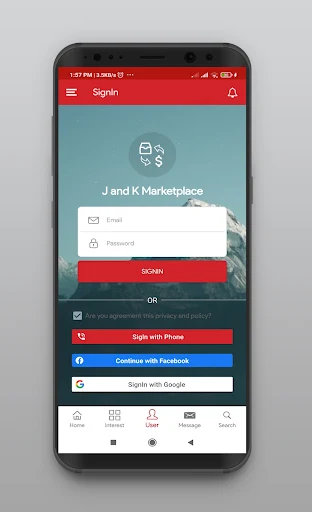
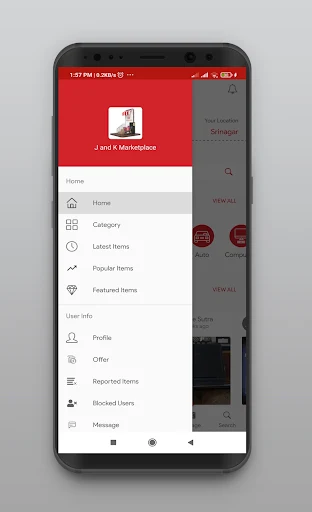
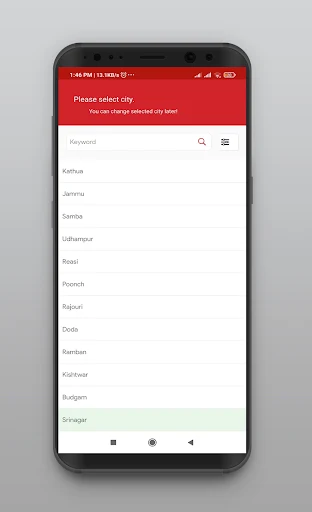
Click to download now, finish the installation quickly, and directly unlock the all-round experience
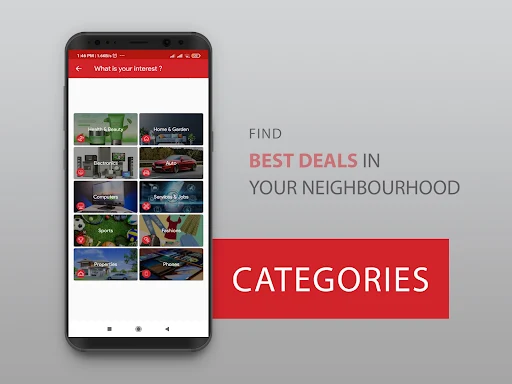
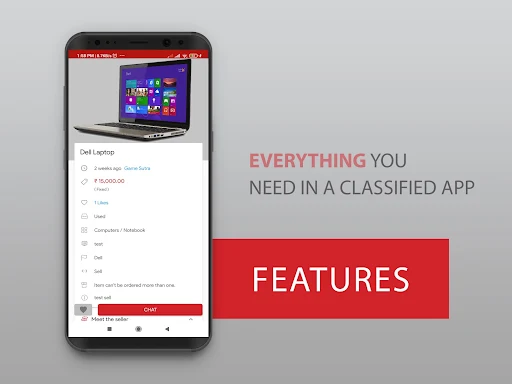
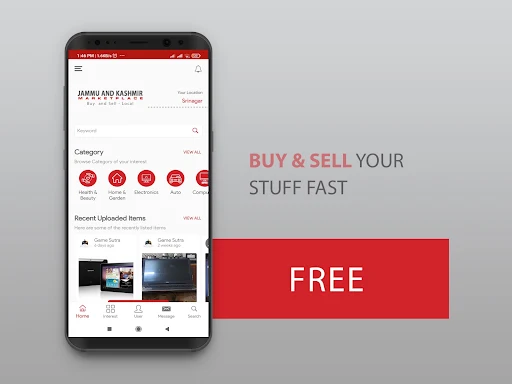
Marketplace : Buy and Sell is a classified-listings app for finding things offered by other people and posting items you no longer need. It suits shoppers looking for local deals, and sellers who want to advertise an item with a photo, price and description. Listings cover everyday goods as well as categories such as cars and property.
Browse listings for clothing, furniture, phones and other electronics, baby and kids’ items, sports equipment and more. The range includes new, nearly new and used goods. The app is most relevant when you have a particular item or category in mind and are willing to browse listings rather than shop from a conventional retailer’s catalogue.
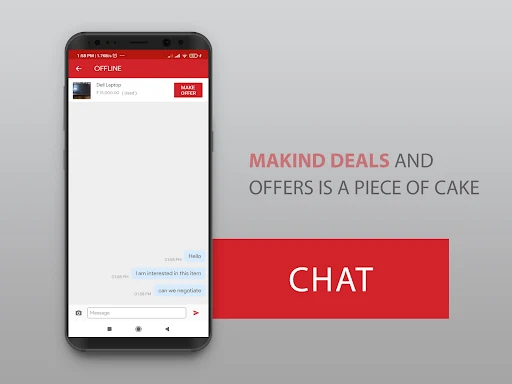
To sell, create an ad for an item and set its price and description. The supplied information says posting is free. Buyers can make offers and contact sellers through in-app chat, so questions and arrangements can be handled within the app.
Profiles and ratings give buyers some information about who they are dealing with. They can help you assess a seller, but they do not guarantee an item’s condition or that a transaction will go smoothly. Read the listing carefully and use the conversation to clarify details before agreeing to buy.
The app is built around peer-to-peer listings, not a stated promise of a uniform retail checkout or delivery service. If you need those services, check the individual listing and seller rather than assuming they are included.
Marketplace : Buy and Sell is published by Snookums Bear. It has a 4.08 rating from 2,490 ratings and more than 1,000,000 installs. The app’s listing also states that it is not associated with or affiliated with Facebook.