
Advertisement
Click to download now, finish the installation quickly, and directly unlock the all-round experience
Advertisement
Screenshots
Click to download now, finish the installation quickly, and directly unlock the all-round experience
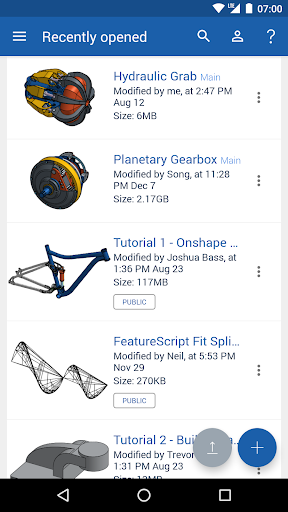
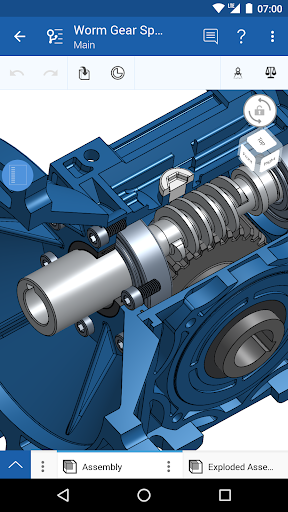
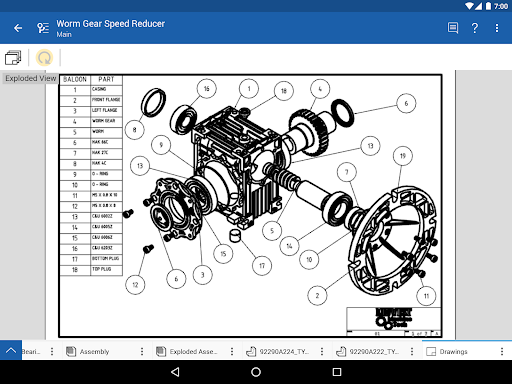
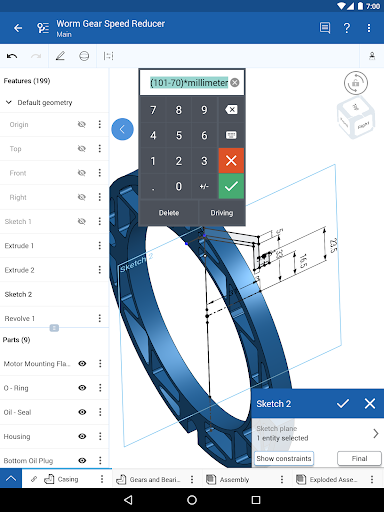
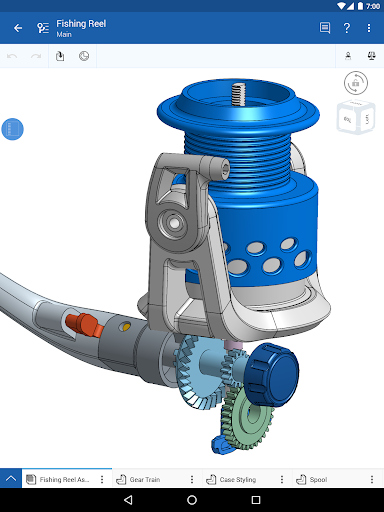
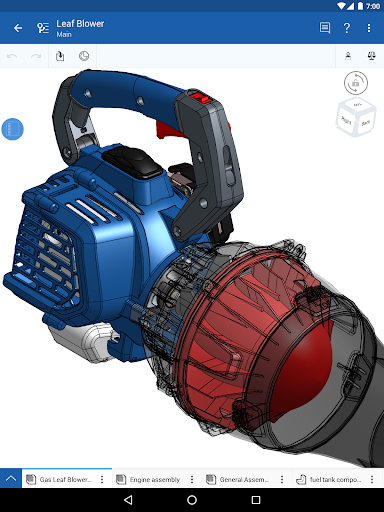
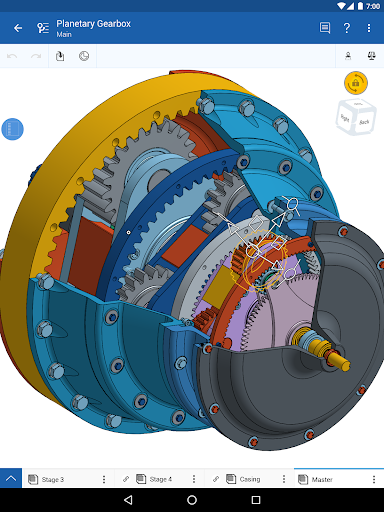
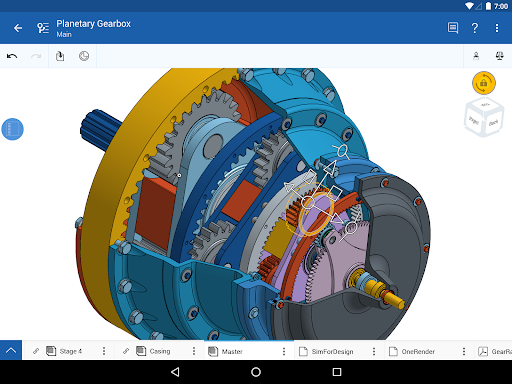
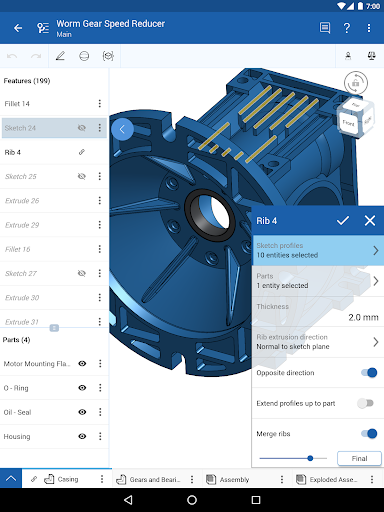
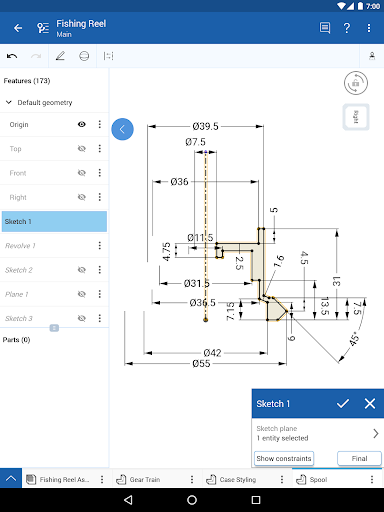
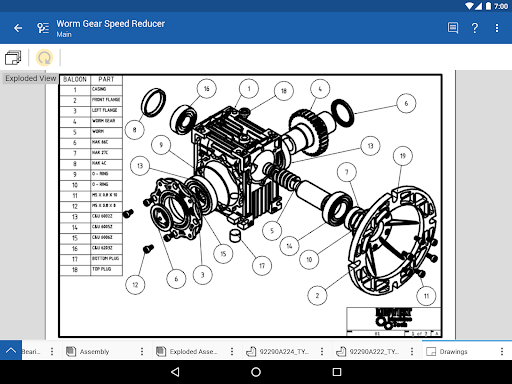
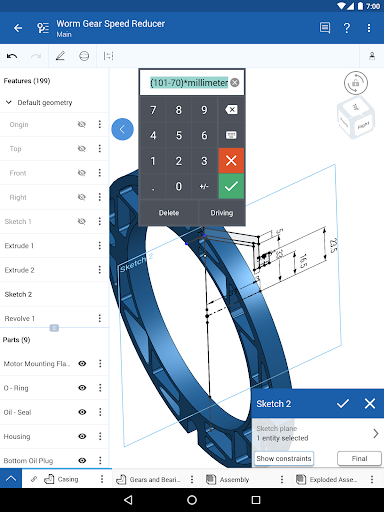
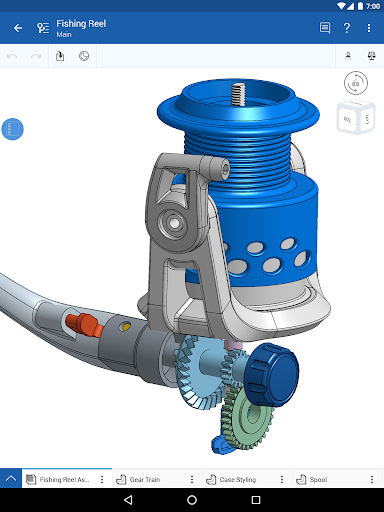
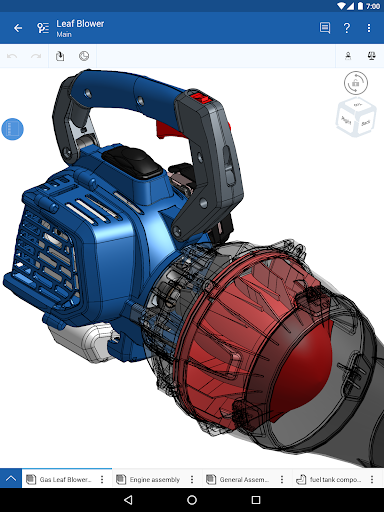
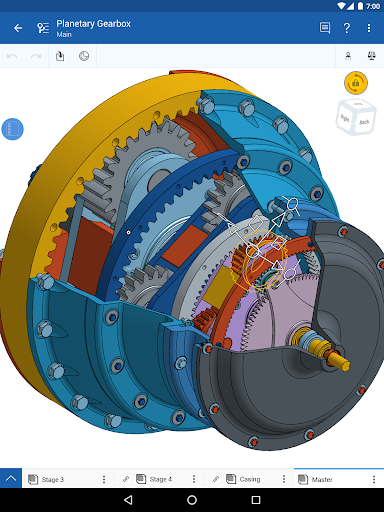
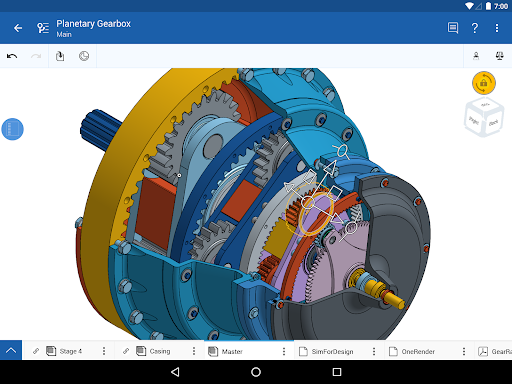
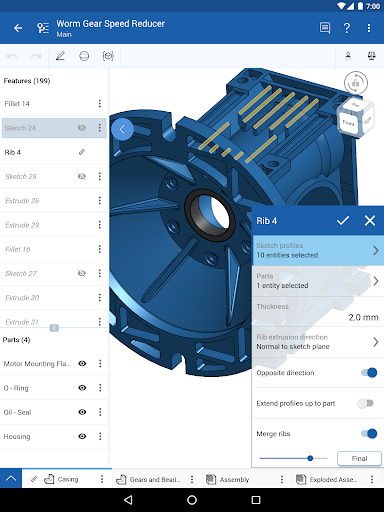
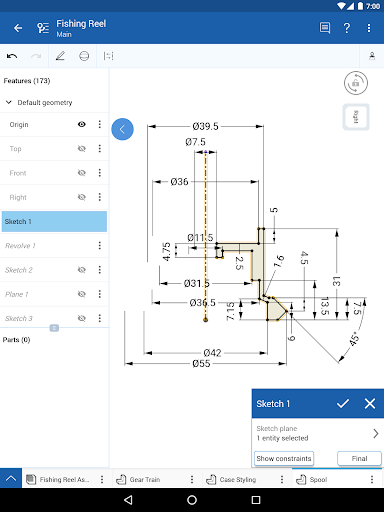
Onshape 3D CAD is for creating and editing mechanical designs on an Android device. It includes parametric modeling tools for making parts and lets you assemble components to represent how a mechanism fits or moves. It suits engineers, design teams, and students who need access to CAD projects away from a desktop. It is a full CAD workspace, not just a viewer for finished models.
Projects live in Onshape’s cloud workspace, so collaborators can see changes as they happen rather than passing design files back and forth. You can share a project, manage who has access, follow another person’s view, and leave comments. Changes are saved automatically, and a project started on one device can be continued on another. These features are useful when several people need to review or develop a design together.
An internet connection is required to access the cloud workspace, and you need to sign up for an account. That makes Onshape less suitable when you need to work offline. The app’s tools are aimed at mechanical CAD, so it is not the right pick for general drawing, image editing, or simple note-taking. Onshape offers free use for students and educators and for non-commercial projects in a public workspace; check the terms to see whether that fits your work.
Choose Onshape if you need to create or revise parametric parts, assemble mechanical designs, or collaborate around a shared CAD project from mobile and desktop devices. The listing shows more than 1,000,000 installs, but its 2.93 rating across 5,100 reviews is a reason to check recent user feedback before relying on it for a critical workflow. It is developed by PTC Inc.