Mimo
SZ DJI Osmo Technology Co., Ltd.
Downloads
1,000,000+
Source
Google Play
Advertisement
Click to download now, finish the installation quickly, and directly unlock the all-round experience
Advertisement
Screenshots
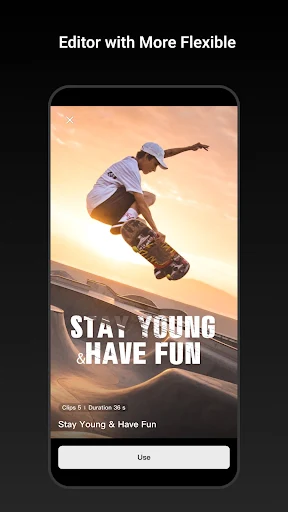
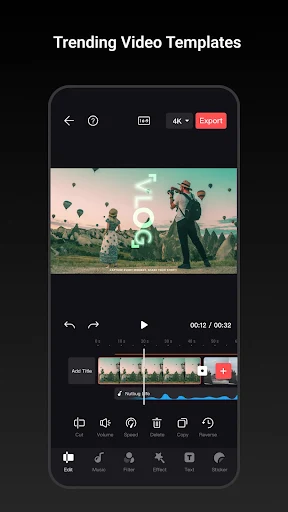
Click to download now, finish the installation quickly, and directly unlock the all-round experience
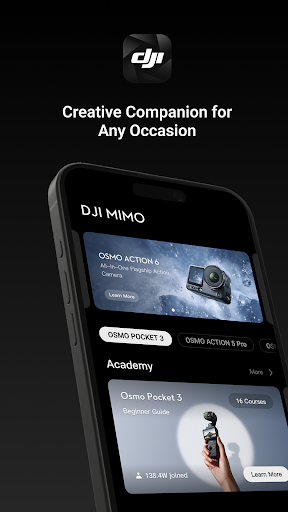
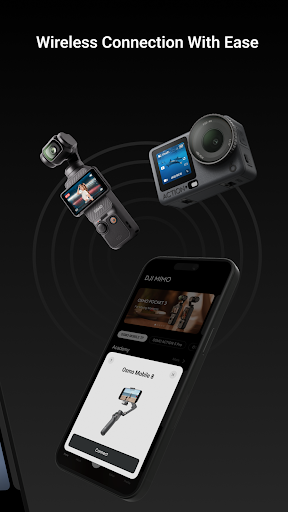
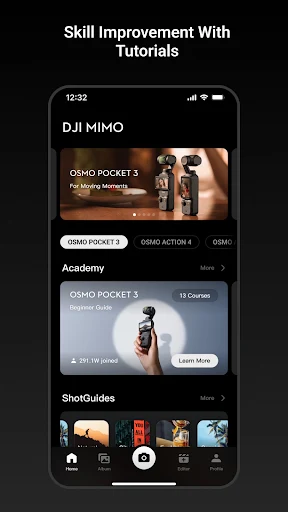
Mimo is a companion app for people using DJI handheld cameras, gimbals or microphones. It can show a camera’s live view on your phone and let you control supported equipment over Bluetooth or Wi-Fi. That makes it useful when you want to frame a shot remotely or change settings without handling the device.
Supported product families include Osmo Pocket, Osmo Action, Osmo 360, Osmo Mobile and DJI Mic. Compatibility depends on the specific device, so check that your model works with Mimo before relying on it for a shoot.
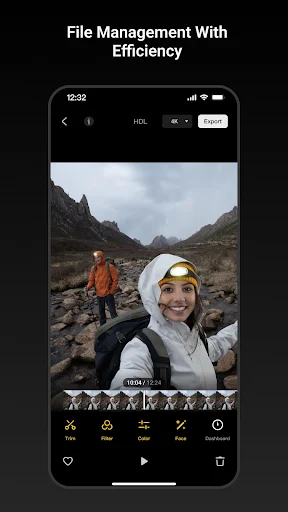
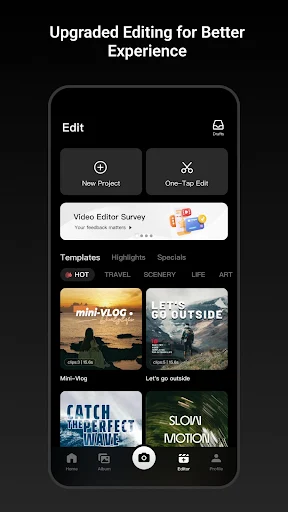
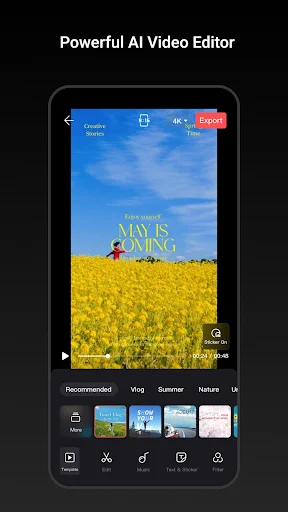
The app pairs remote control with tools for reviewing and shaping content. Its editing options include filters, color adjustments, beauty effects and video templates. It also offers live screenshots and an Osmo Logo feature for preparing content to share. These features suit users who want a phone-based workflow for capturing and polishing footage, rather than using Mimo only as a remote control.
It is aimed at DJI gear owners, not as a general-purpose camera app for every Android phone. If you do not use compatible DJI equipment, its central controls and live preview are unlikely to be useful.
Mimo is published by SZ DJI Osmo Technology Co., Ltd. It has more than 1,000,000 installs, but its rating is 2.41 out of 5 from 5,775 ratings. That is a notably weak score, so user feedback is a reason to be cautious, even though the rating alone does not explain what particular users experienced.
Bottom line: Mimo brings camera preview, remote control and editing tools together for supported DJI handheld devices. It fits best if you already own compatible gear and want to manage footage on your phone; the low rating makes it worth checking recent user feedback before depending on it.