Advertisement
Click to download now, finish the installation quickly, and directly unlock the all-round experience
Advertisement
Screenshots
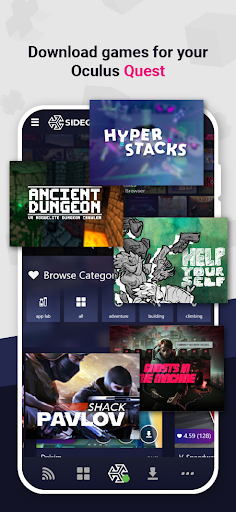
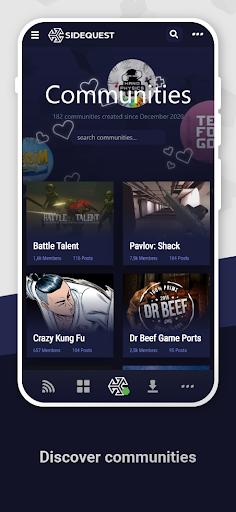
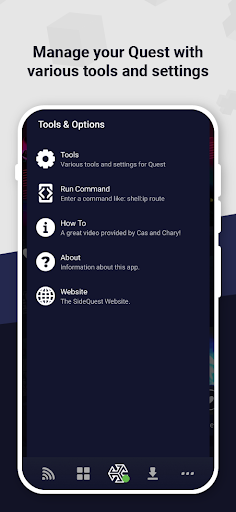


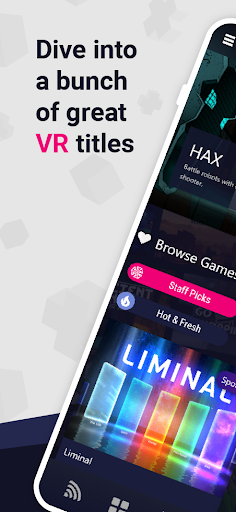
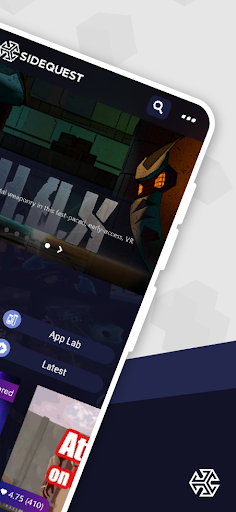
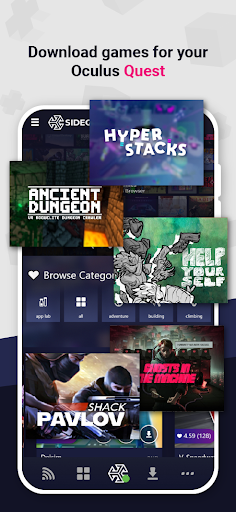
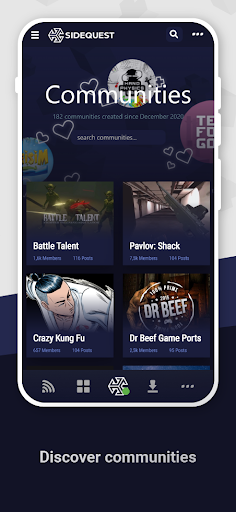
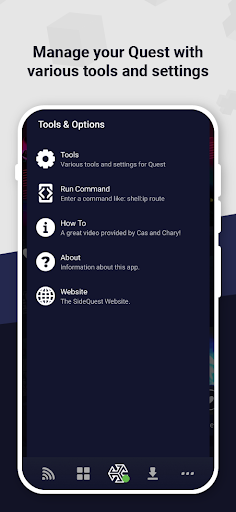


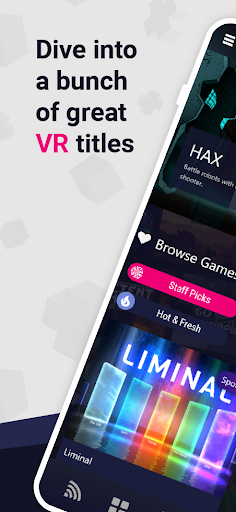
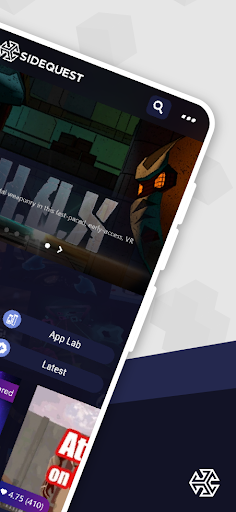
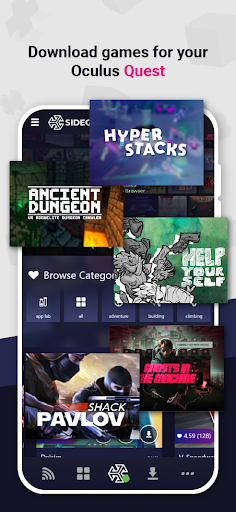
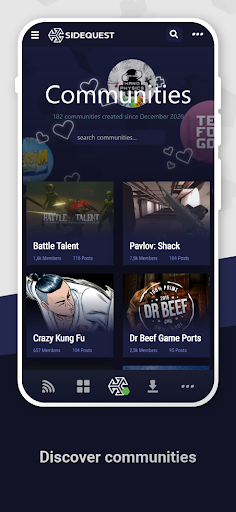
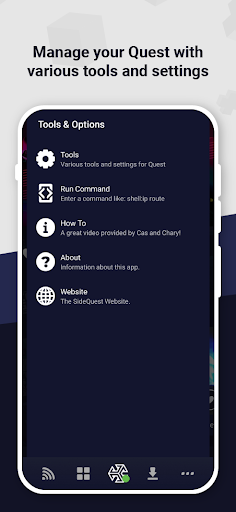


Click to download now, finish the installation quickly, and directly unlock the all-round experience
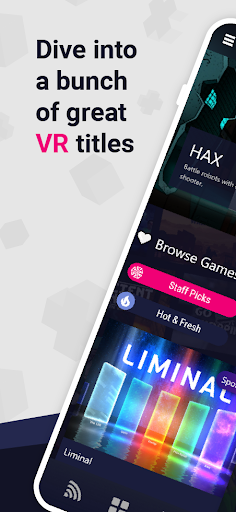
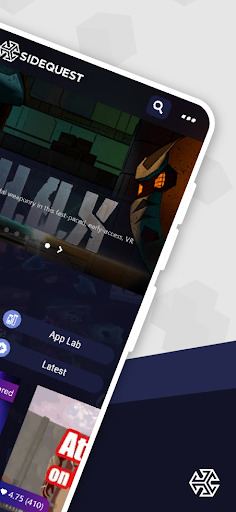
SideQuest ( BETA ) is an Android companion app for people who want to explore VR apps and content beyond what is listed in the Oculus Store. It connects to a standalone headset so you can access and install additional content. SideQuest Ltd is the developer, and the app is listed in Tools.
The app needs ADB access to communicate with your headset. If wireless ADB has not been enabled yet, you may need to connect the headset to a computer by USB first. You can also try connecting by USB from your phone, but that depends on the phone supporting USB OTG; the app does not work with every phone for this setup.
If your phone cannot establish the USB connection, SideQuest’s desktop app for PC, Mac, or Linux is an alternative way to enable wireless ADB. Once wireless access is set up, the Android app can connect over Wi-Fi.
This is most useful if you already own a compatible standalone VR headset and are comfortable following connection steps outside the headset’s regular app store. SideQuest also serves as a place for developers to share and test VR projects. It is not a way to avoid the initial ADB setup: depending on your equipment, you may need a computer or an OTG-capable phone before using it wirelessly.
The app has 500,000+ installs and a 3.16 rating from 2,430 reviews. That gives you a substantial user base to consider, but the rating is mixed. Because this release is marked BETA and setup depends on your phone and headset connection, check that you can meet the ADB requirements before relying on it.